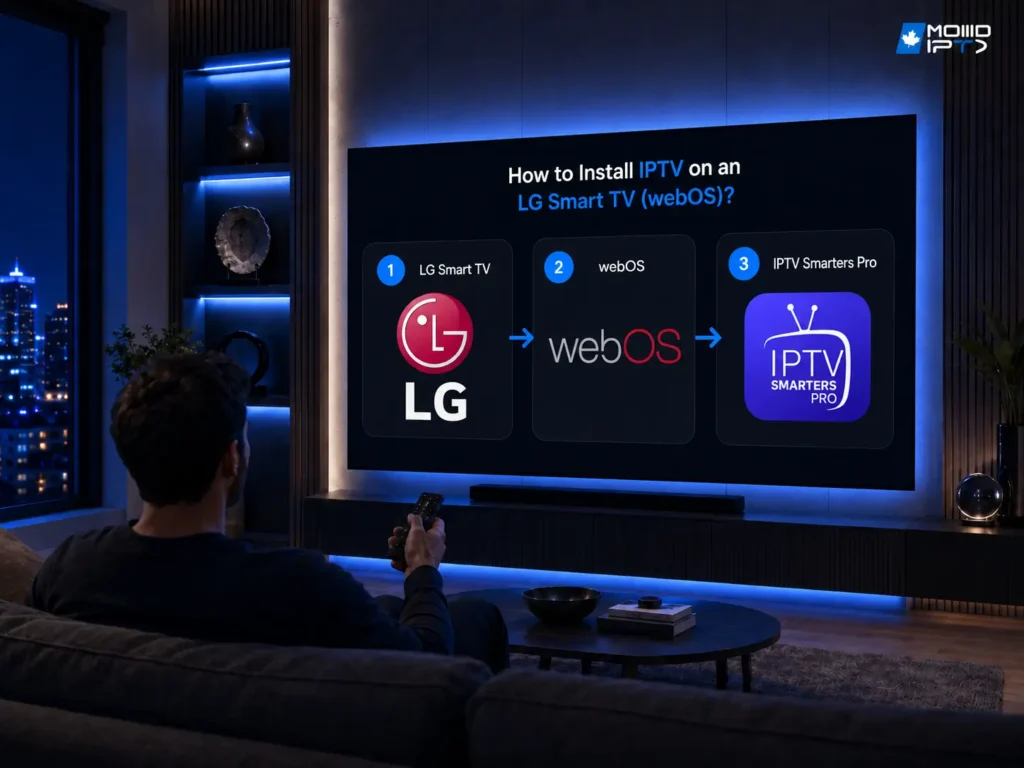
To install IPTV on an LG Smart TV, connect the TV to the internet, open the LG Content Store, install an IPTV player app, then either log in with your Xtream Codes credentials (or M3U link) or activate the app with your TV’s MAC address — your channels load right away. Good news for LG […]
Buyer Guides
Navigate the world of IPTV with comprehensive buyer guides, featuring comparisons, pricing breakdowns, and expert tips for selecting the best providers.
How to Install IPTV on Dreamlink T1, T1+, T6 ?
To install IPTV on a Dreamlink T1, T1+, or T6, power on the box and let it update, open the Dreamlink Online (DOL) app, note the MAC address shown in the top-right corner and send it to your provider, then enter your portal name and portal URL under Settings and restart: your channels load automatically. […]
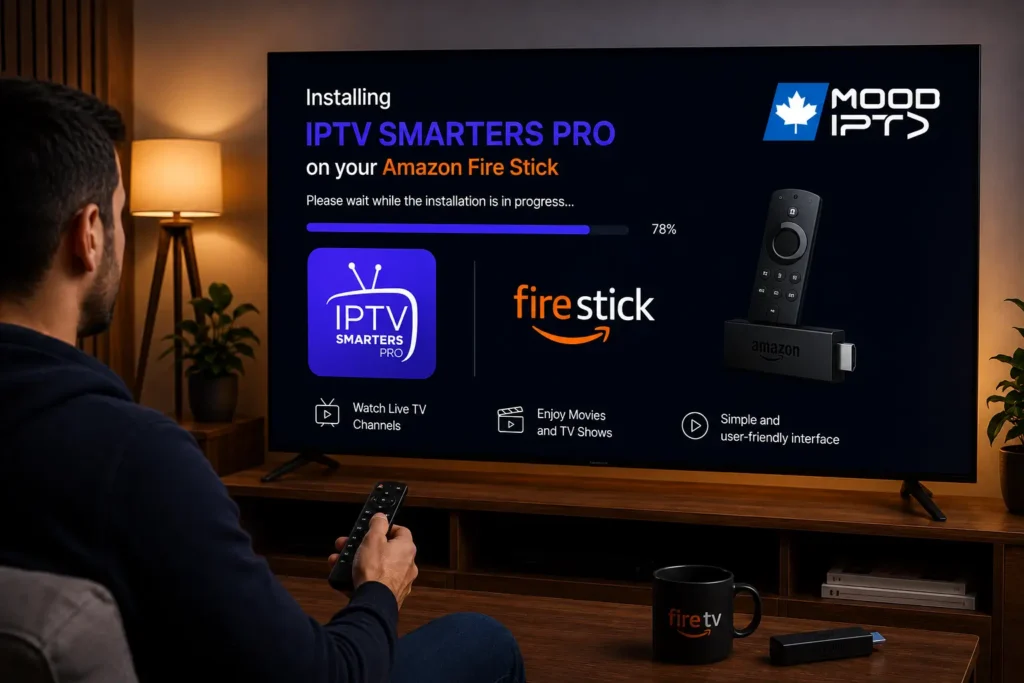
How to Download IPTV Smarters Pro on Firestick ?
To download IPTV Smarters Pro on Firestick, enable “Apps from Unknown Sources” in your Fire TV settings, install the free Downloader app from the Amazon Appstore, open Downloader and enter the IPTV Smarters Pro download link, then install the APK and log in with your subscription details. The whole process is called sideloading because the […]
How to Record Live TV With IPTV ?
To record live TV with IPTV, you need an IPTV app that supports recording, enough storage space on your device, and an active subscription, then simply press the record button while watching a live channel or schedule a recording in advance through the Electronic Program Guide (EPG). Unlike traditional cable where you need to rent […]
How to Connect IPTV to a Projector ?
To connect IPTV to a projector, plug a streaming device like a Fire TV Stick, Android TV Box, or Chromecast into the projector’s HDMI port, connect to your Wi-Fi network, open your IPTV app, and start streaming your channels on the big screen. The entire setup takes less than 10 minutes and works with virtually […]
Is IPTV Better Than Cable TV in Canada?
Yes, IPTV is better than cable TV in Canada for most households because it offers significantly more channels, lower monthly costs, better picture quality, multi-device compatibility, and no long-term contracts. While cable TV has been the standard for decades, it is now an outdated technology that forces you into expensive bundles, requires professional installation, and […]
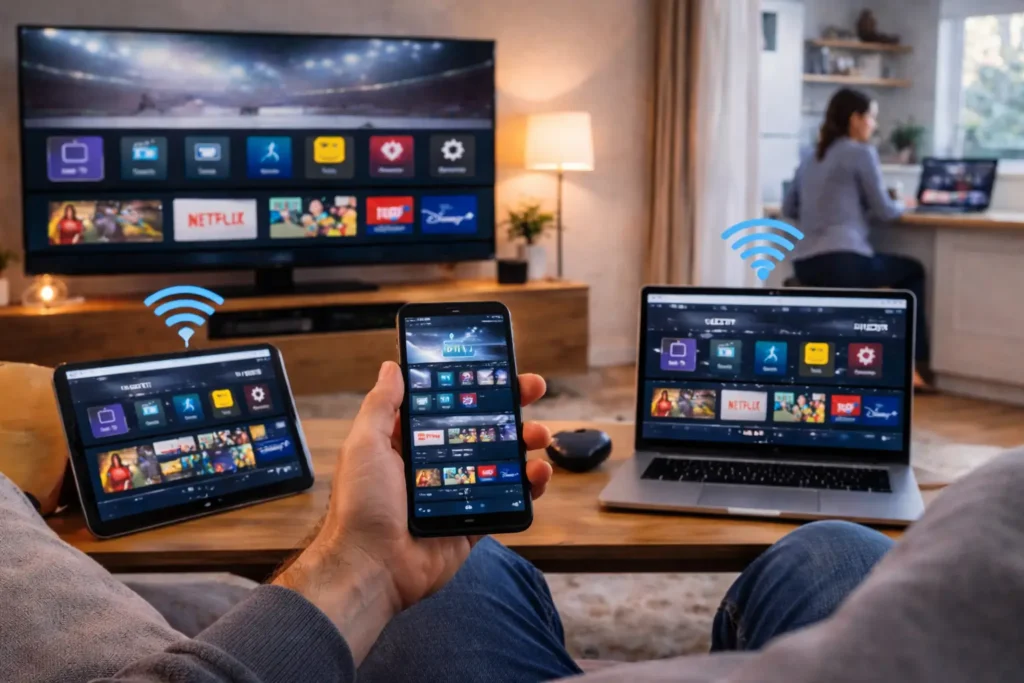
Can You Watch IPTV on Multiple Devices at Once?
Yes, you can watch IPTV on multiple devices at the same time, but the number of screens you can use simultaneously depends on your subscription plan and your provider’s policy. Most IPTV services allow between 1 and 5 concurrent connections per account, meaning your entire household can enjoy different channels on different screens without needing […]
How to Test an IPTV Service Before Paying for a Full Subscription ?
Testing an IPTV service before paying for a full subscription means requesting a free trial or a low-cost short-term plan so you can verify channel quality, server stability, EPG accuracy, and device compatibility with your own eyes before committing any real money. This is the smartest move you can make because no amount of online […]
Free IPTV vs Paid IPTV — Is It Worth Paying for a Subscription ?
Paid IPTV is worth it for anyone who wants reliable, buffer-free streaming with thousands of HD and 4K channels, stable servers, EPG guides, VOD libraries, and real customer support, free IPTV exists but comes with constant buffering, dead channels, no support, intrusive ads, and serious privacy risks that make it frustrating and potentially unsafe for […]
Can IPTV Be Shared ?
You can share your IPTV subscription, but you’re contractually bound by your provider’s concurrent-stream limits and device-authorization policies. Most plans permit one to ten simultaneous connections depending on your subscription tier. Exceeding these thresholds through credential sharing or M3U cloning violates licensing agreements and can trigger account suspension or termination. Unauthorized redistribution may also expose […]